Instant access to your project folders
Quick Shell is a PowerToys Command Palette extension that puts your saved folders one keystroke away. Open any project in your terminal of choice, with custom commands running automatically.
Features
Lightning-fast access
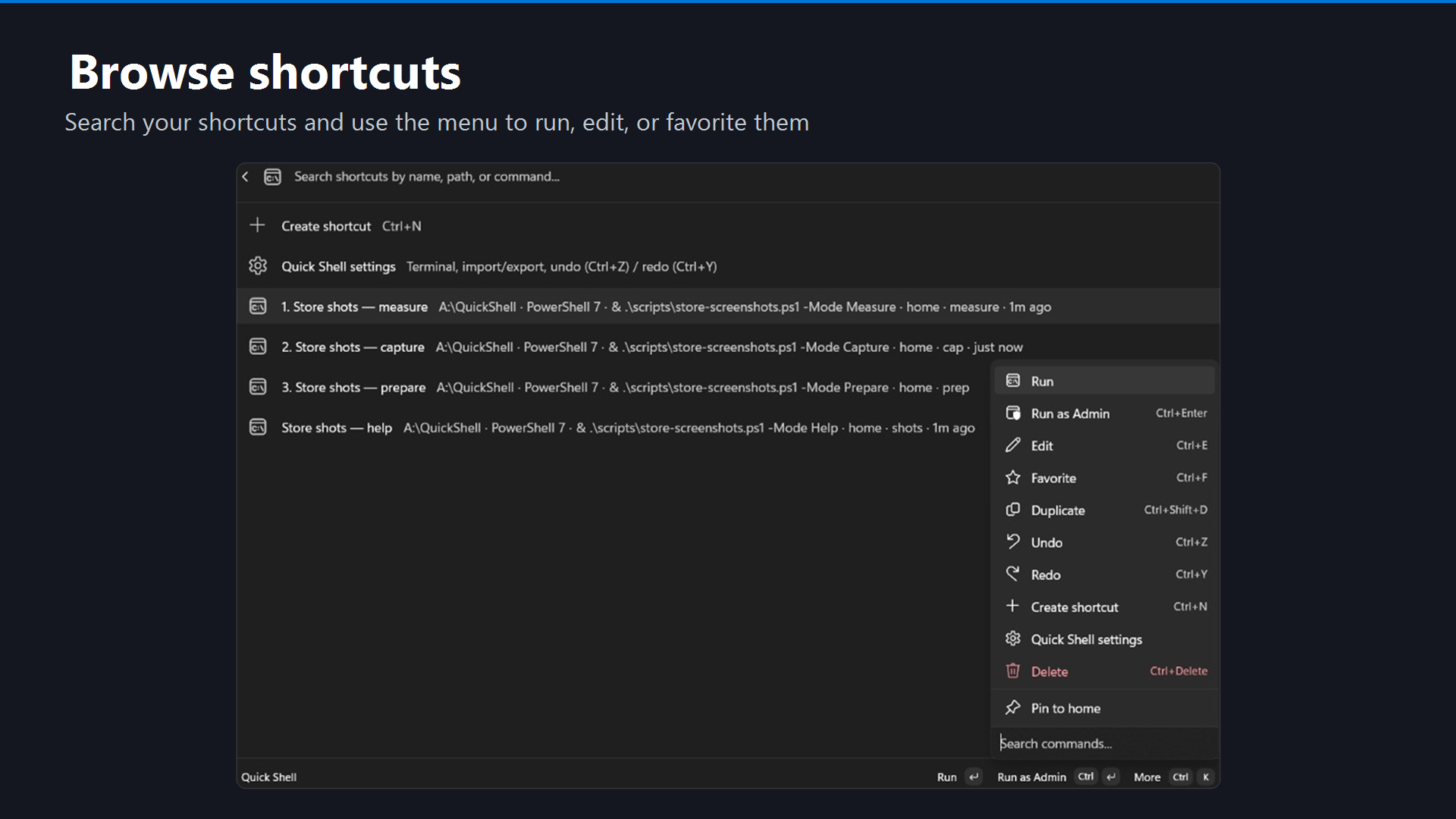
Search your saved folders from Command Palette (Win + Alt + Space) and open them instantly in any terminal.
Install now →Your preferred terminals
Works with Windows Terminal, PowerShell, WSL, Git Bash, and any terminal profile on your PC.
How it works →Auto-run commands
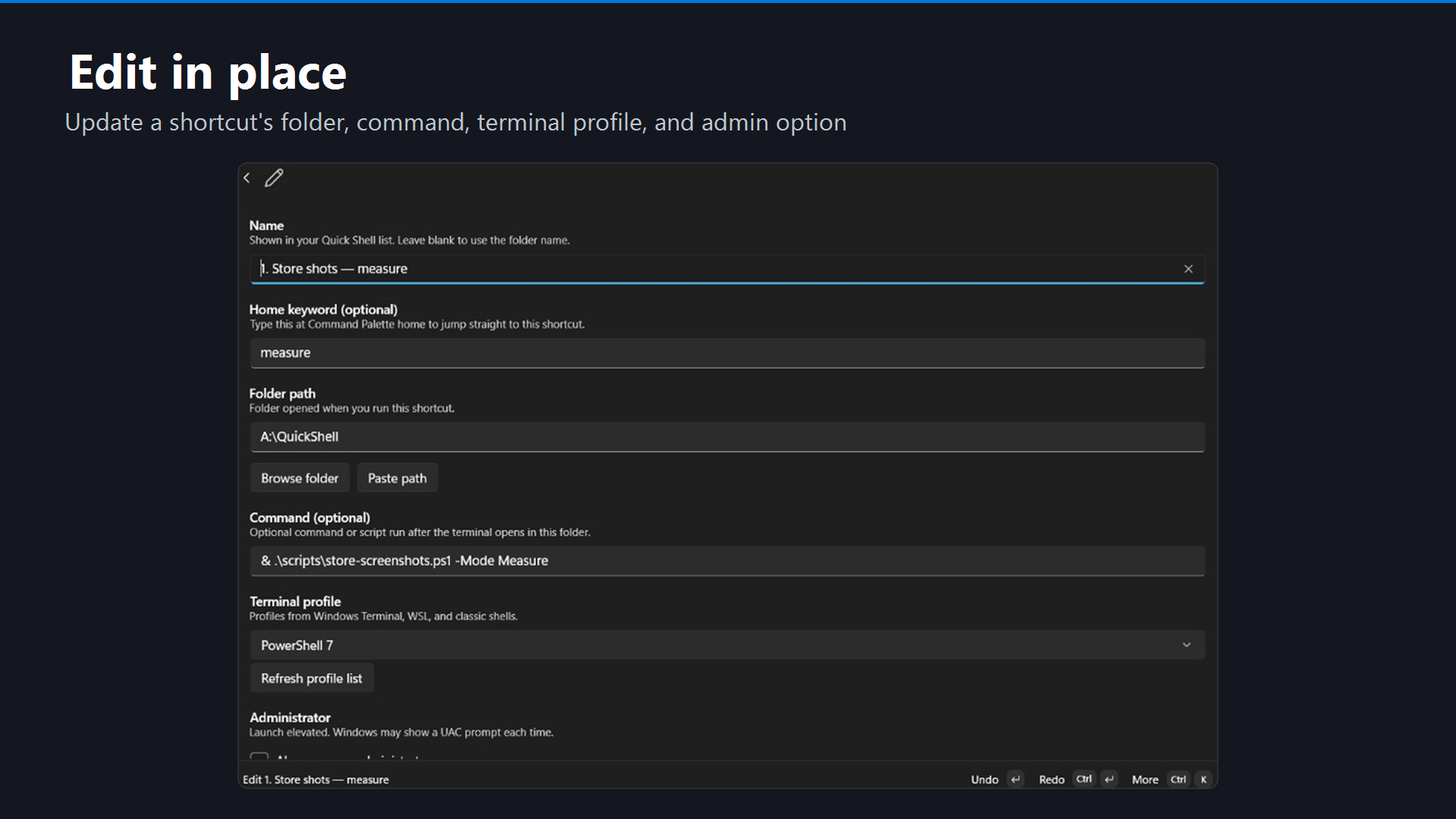
Automatically execute dev servers, build scripts, or setup commands when opening a folder.
Set it up →Home screen shortcuts
Create home keywords to jump directly to your most-used projects without searching.
Learn more →Backup and sync
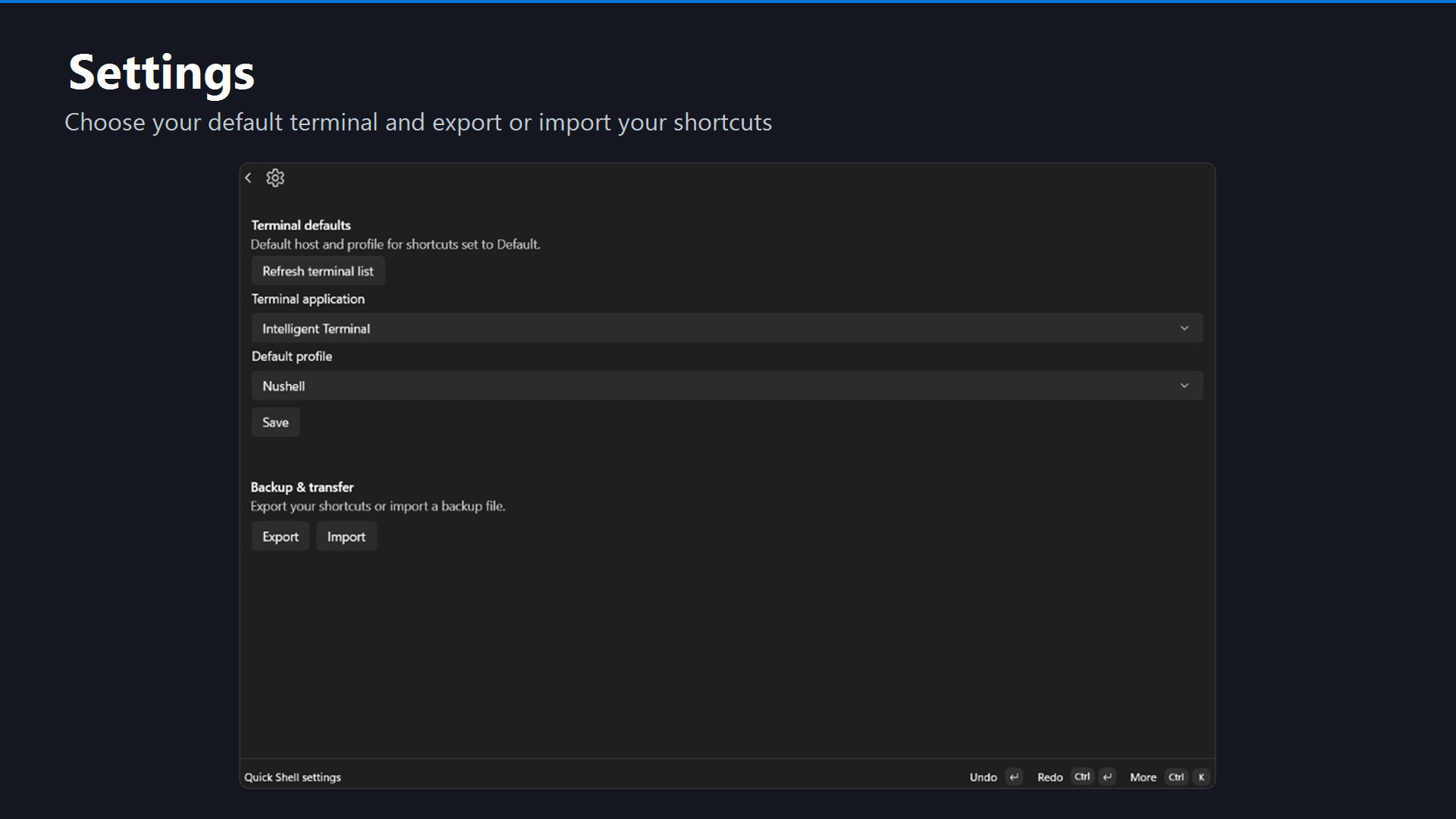
Export and import shortcuts to back up your setup or move it to another PC in seconds.
Export guide →100% private
All shortcuts and settings stay on your PC. No cloud sync, no account, no telemetry.
Privacy policy →Screenshots
Click to enlarge
Requirements
Quick Shell requires:
- Windows 10 version 2004 or later (Windows 11 recommended)
- PowerToys with Command Palette enabled
Ready to save hours each week? Install now and create your first shortcut in under 2 minutes.
Questions? Check out Getting started or email tonythethompson@hotmail.com.